

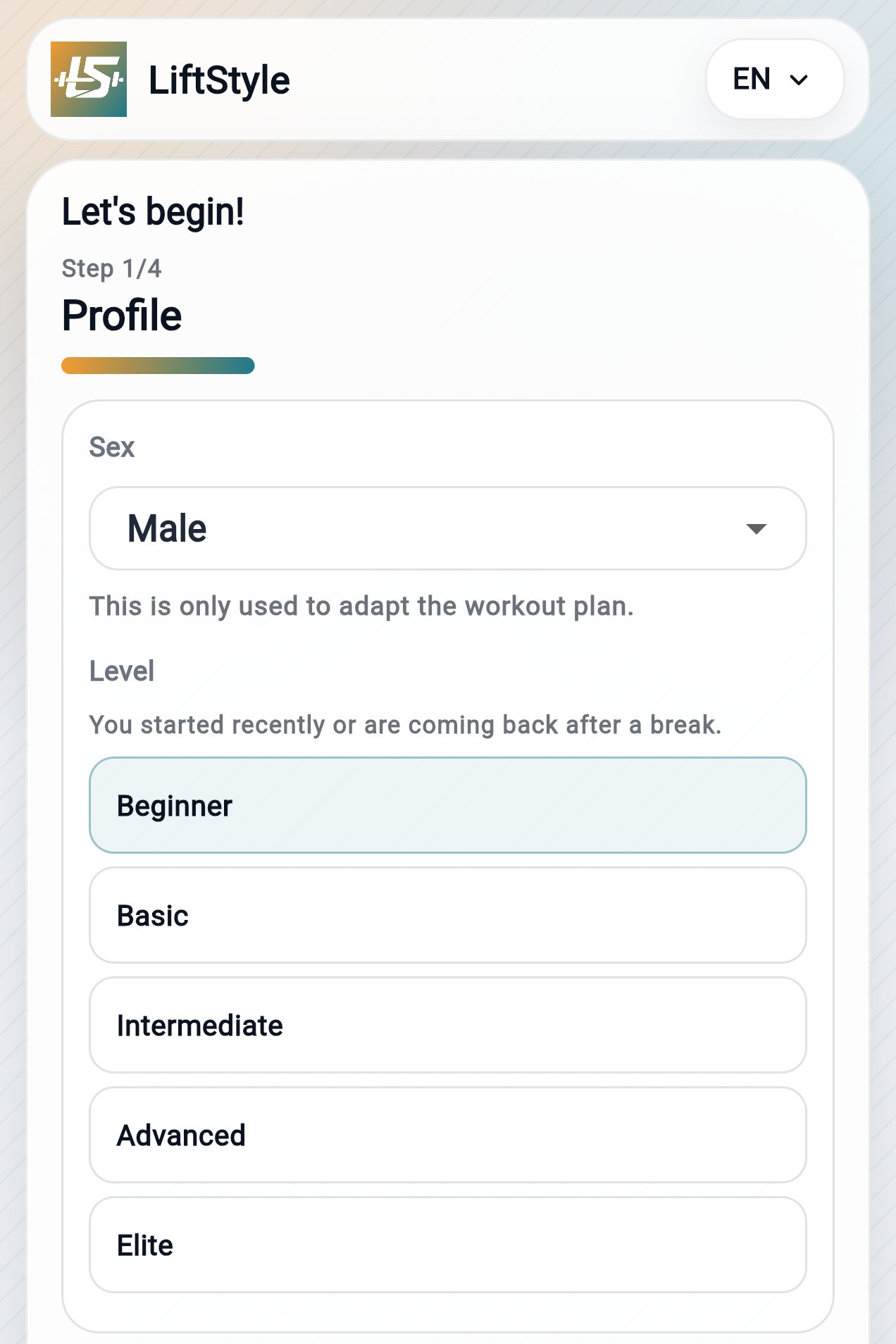
Tap to zoom
Profile
Set your level -> tailored plan base.
LiftStyle creates a plan based on level, muscle recovery, available days, and equipment — and recalculates it automatically when something changes.
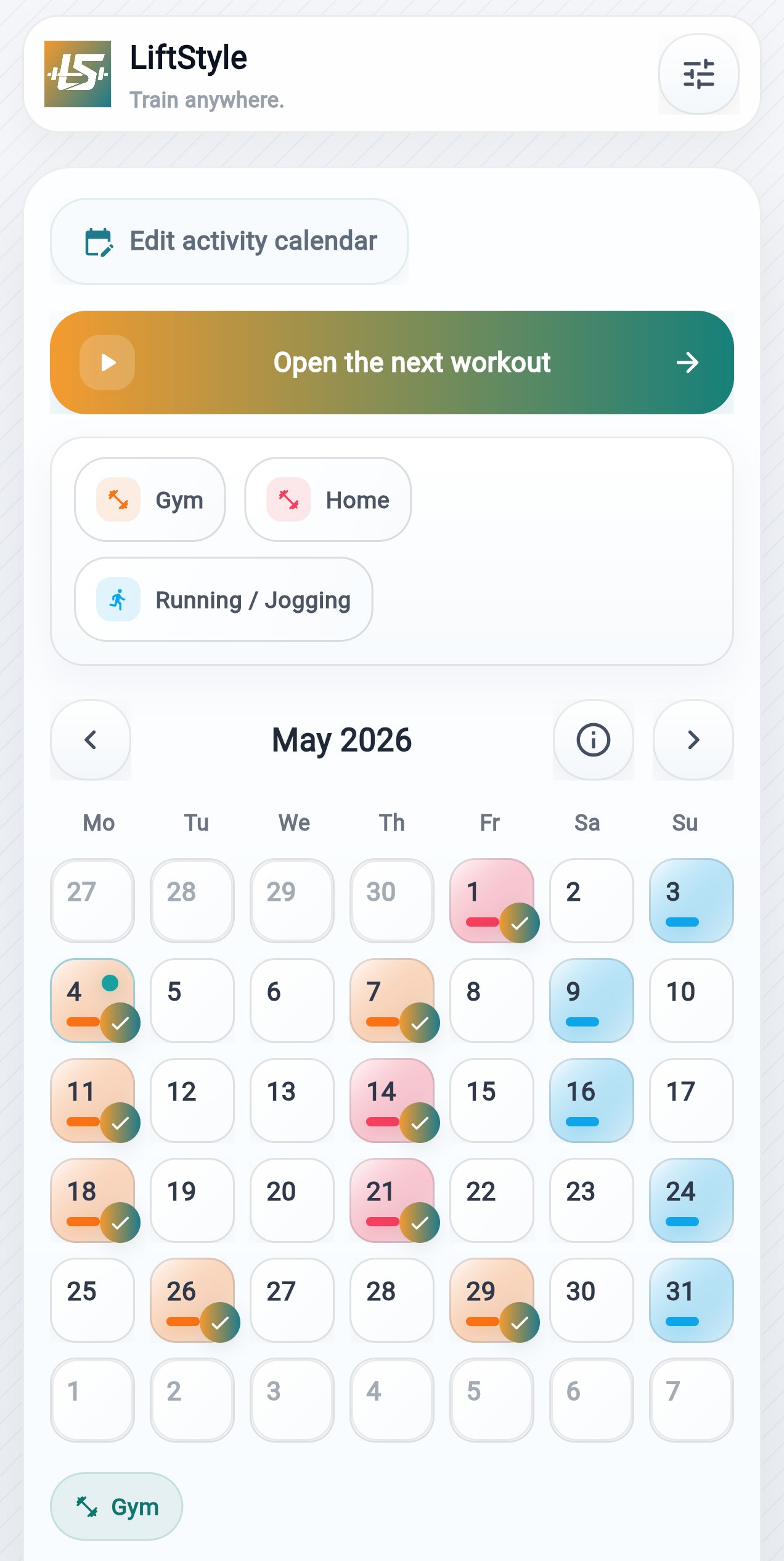
Open the calendar and find the session planned for that day
LiftStyle uses your profile, place, and equipment to suggest a workout plan, organizing load, progression, and recovery from the information you enter.
18+ only · No account required · You can change everything later
LiftStyle organizes the rest in your calendar
Set your level -> tailored plan base.
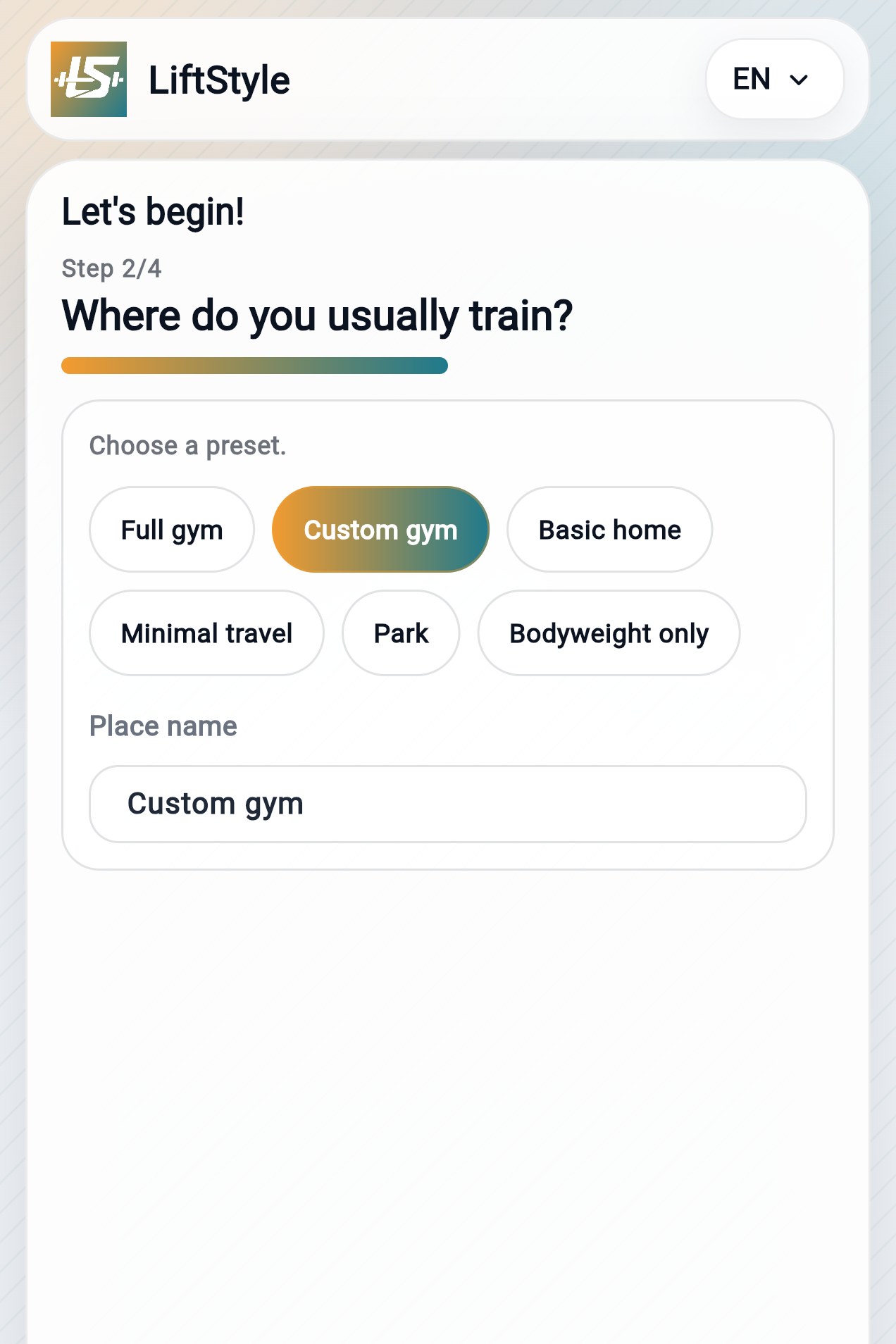
Choose a place -> exercises change.
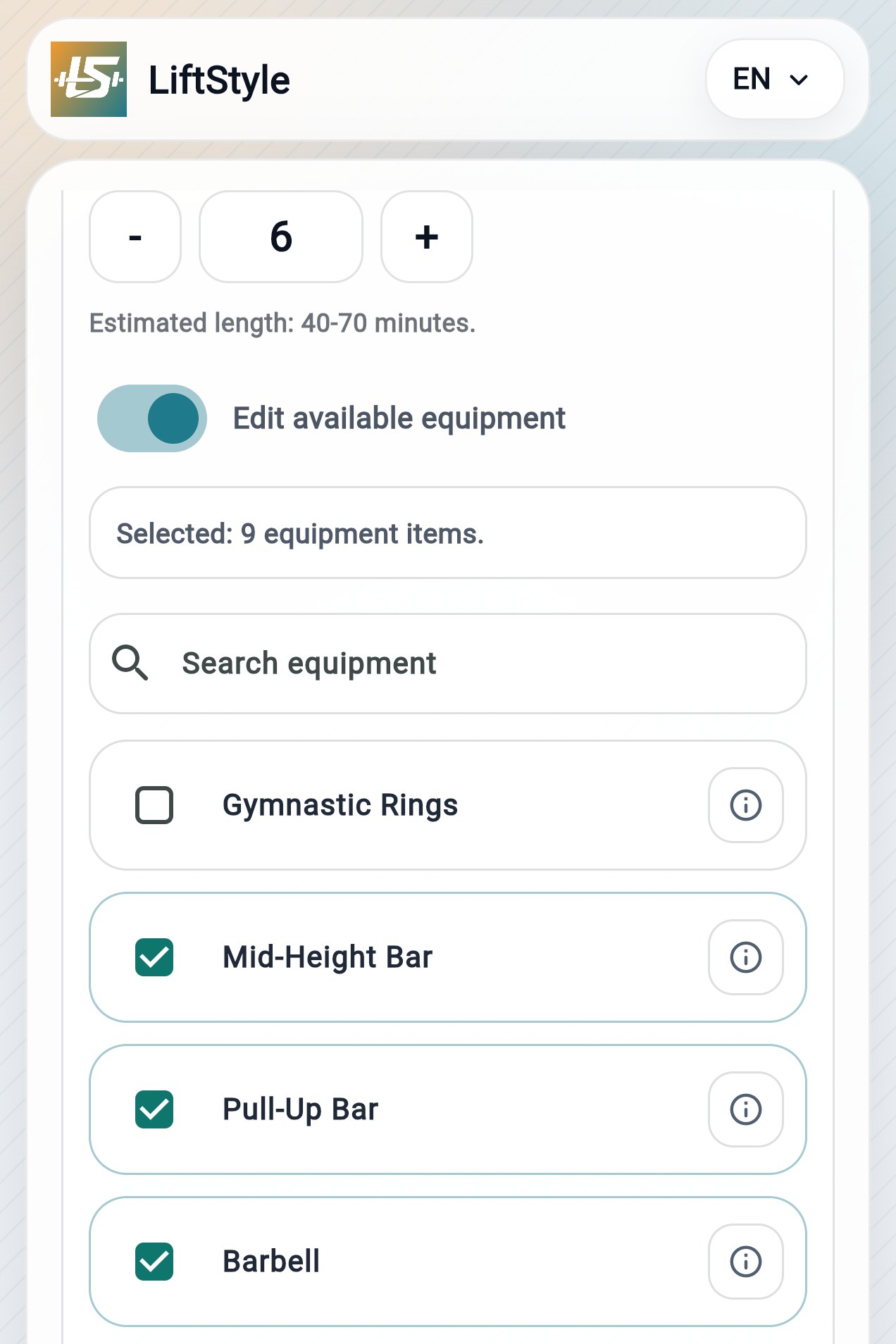
Choose equipment -> only the right exercises remain.
You set level and goal -> the workout plan adapts to you from the start.
A static plan does not know that you played soccer yesterday, that you only have 40 minutes today, or that Mondays are office days. LiftStyle does.
Open the calendar and find the session planned for that day
Open the session and you get everything: a clear summary, exercises to tick off, technique guidance with illustrative images, and final stretching.
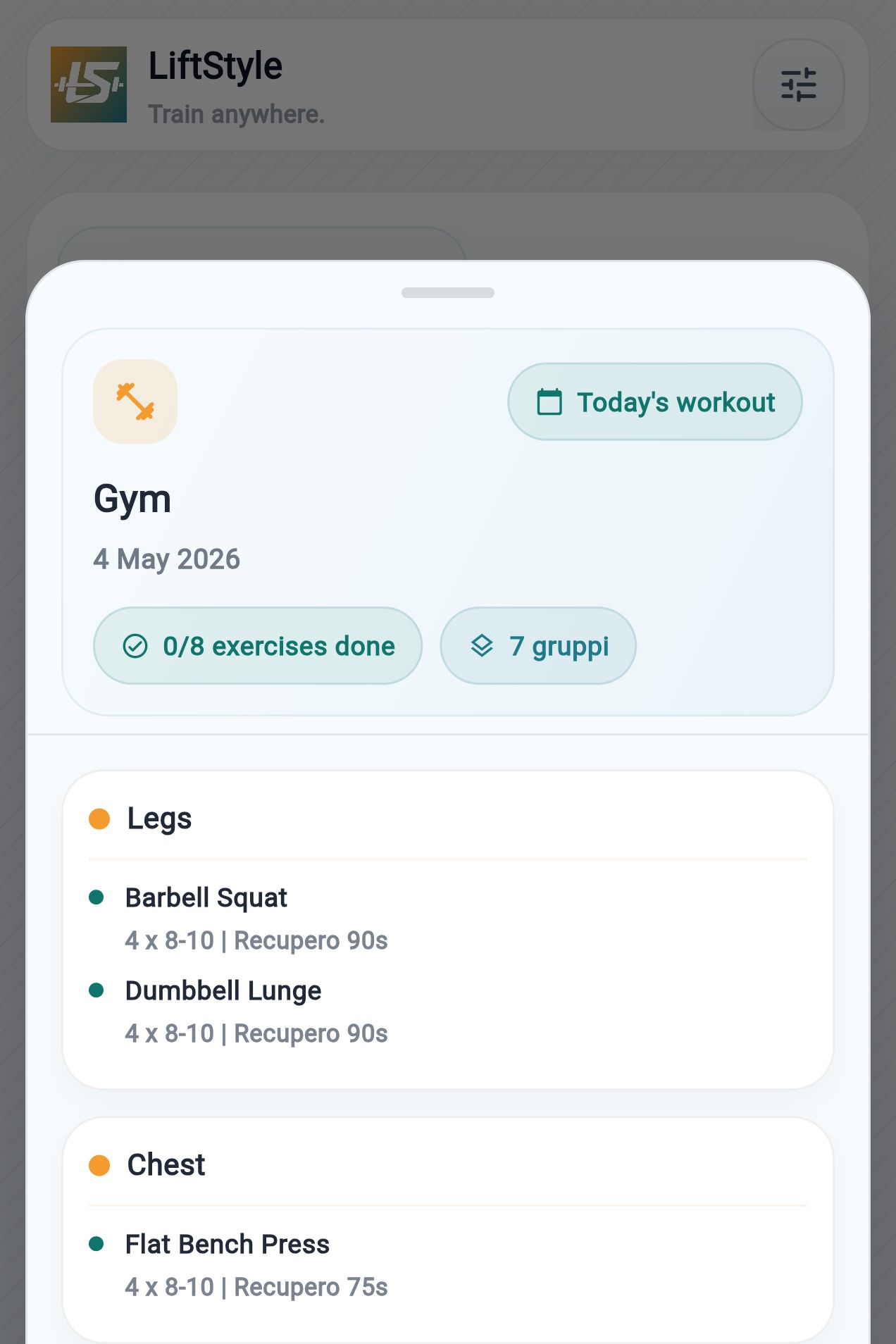
Open the day and start right away.
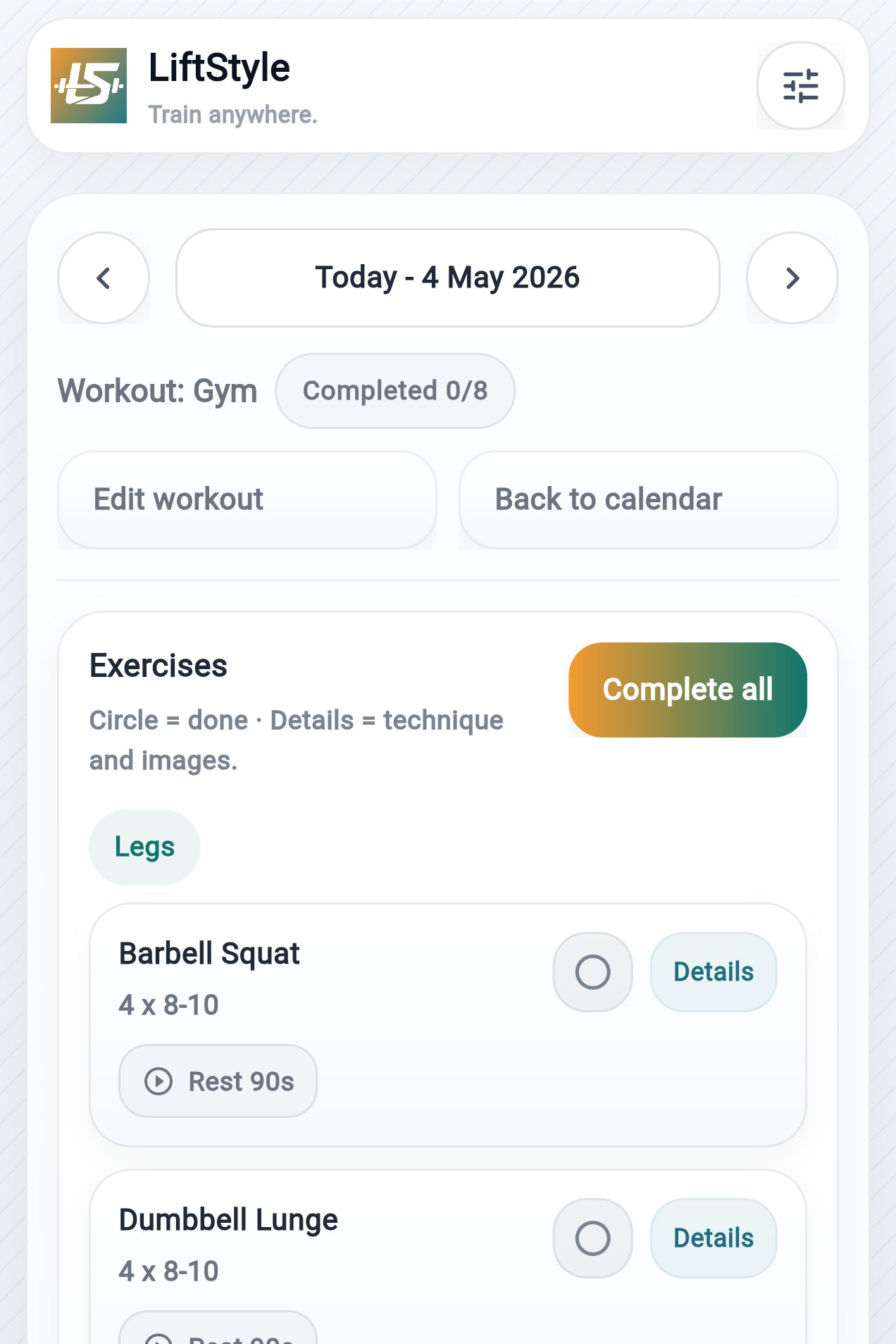
Tick everything off without losing track.
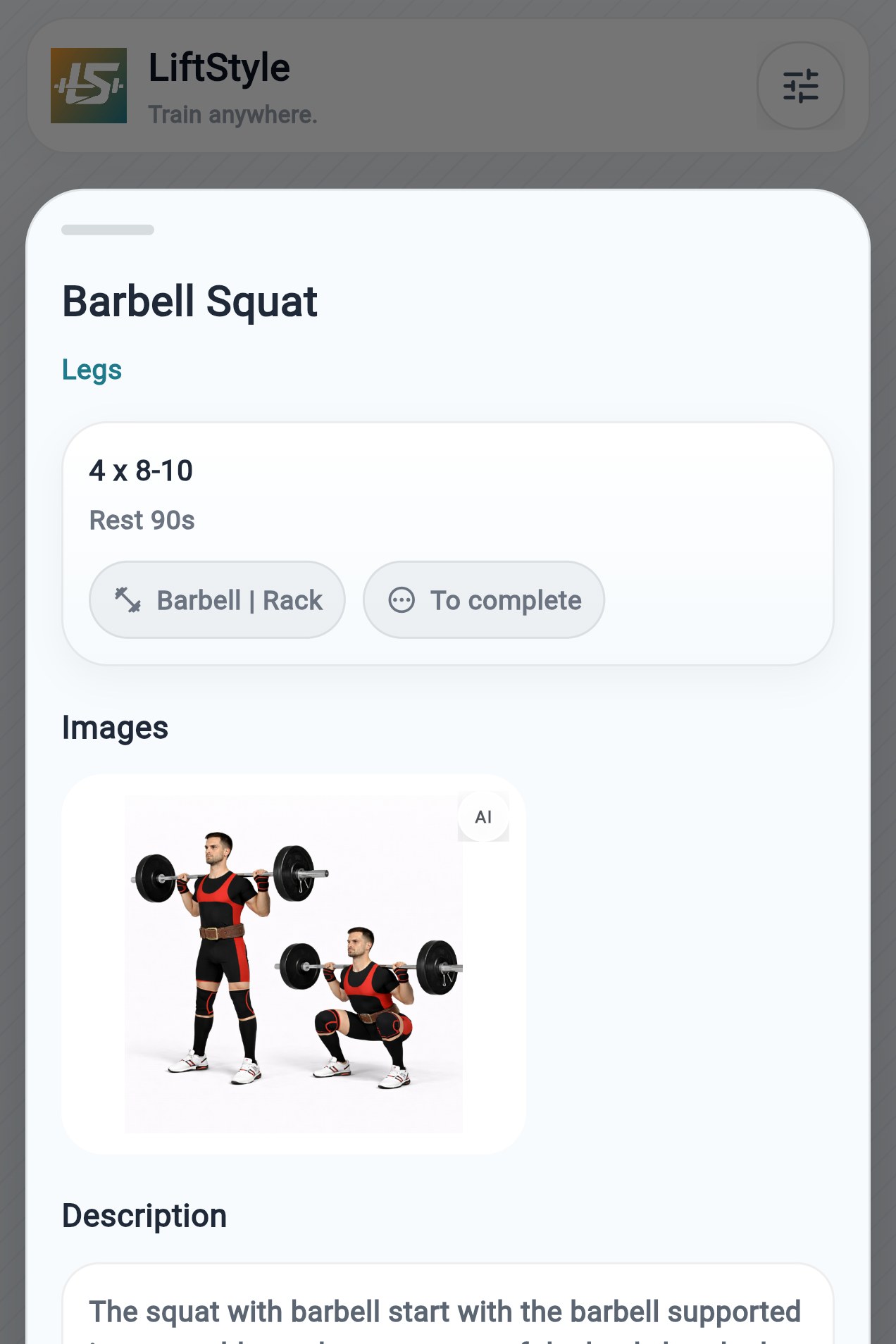
If you have doubts, you quickly see how to do it well.
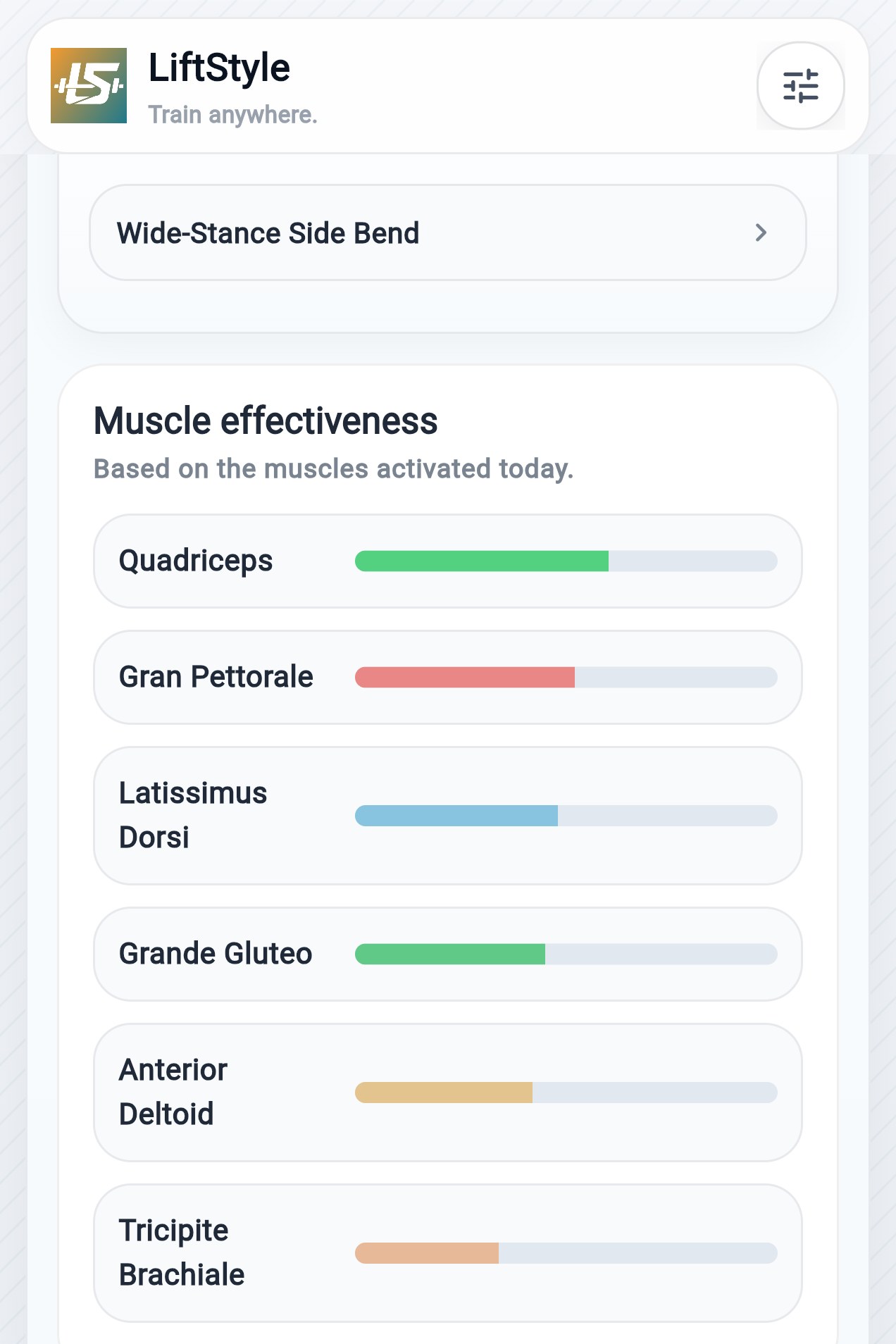
Finish with stretching already prepared.
Open the day and start right away.
Set priorities for specific sports, choose the muscle groups you want to develop, and compare indicative estimates of stimulation and recovery over time.
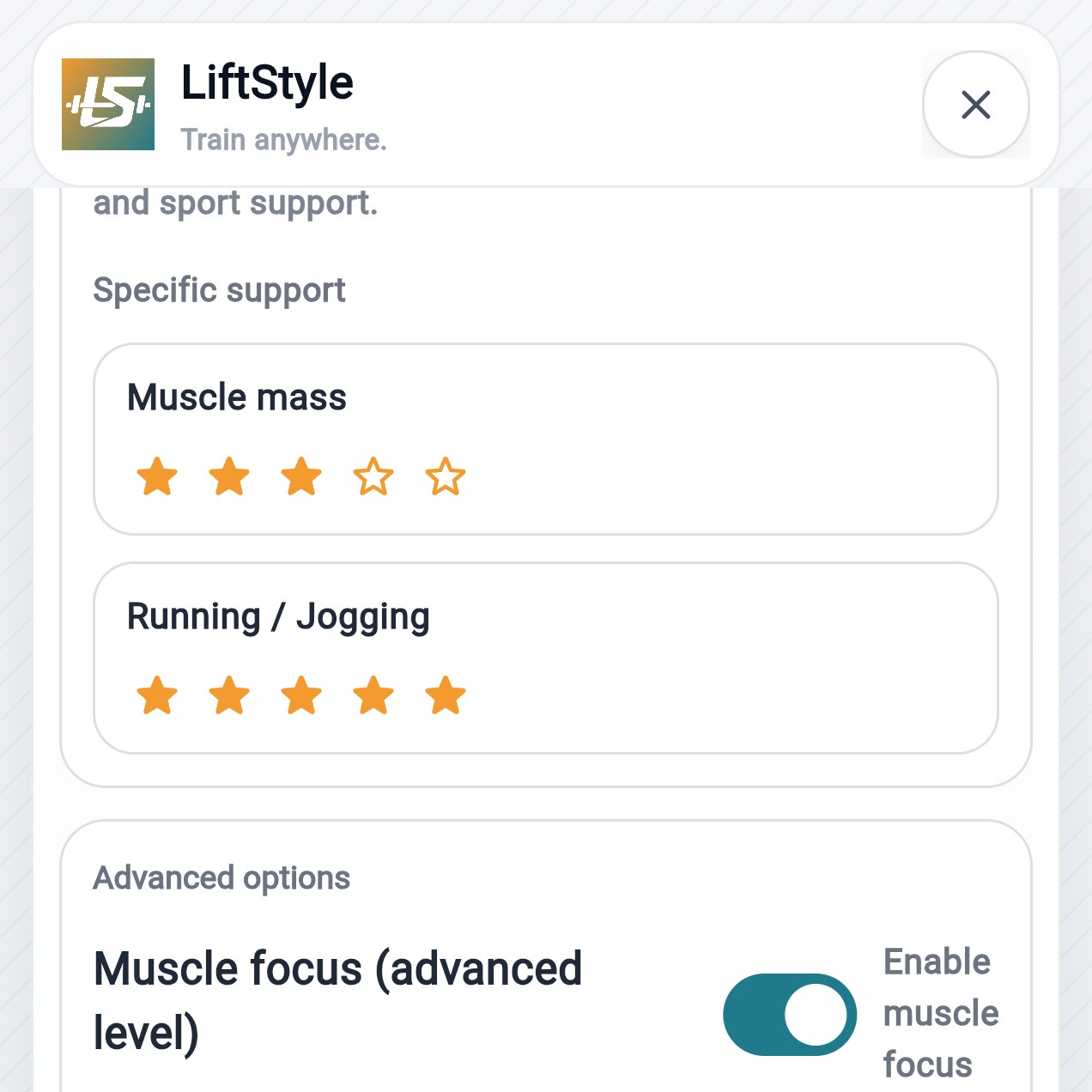
It adapts the load to the sport you do without losing balance in the workout plan.
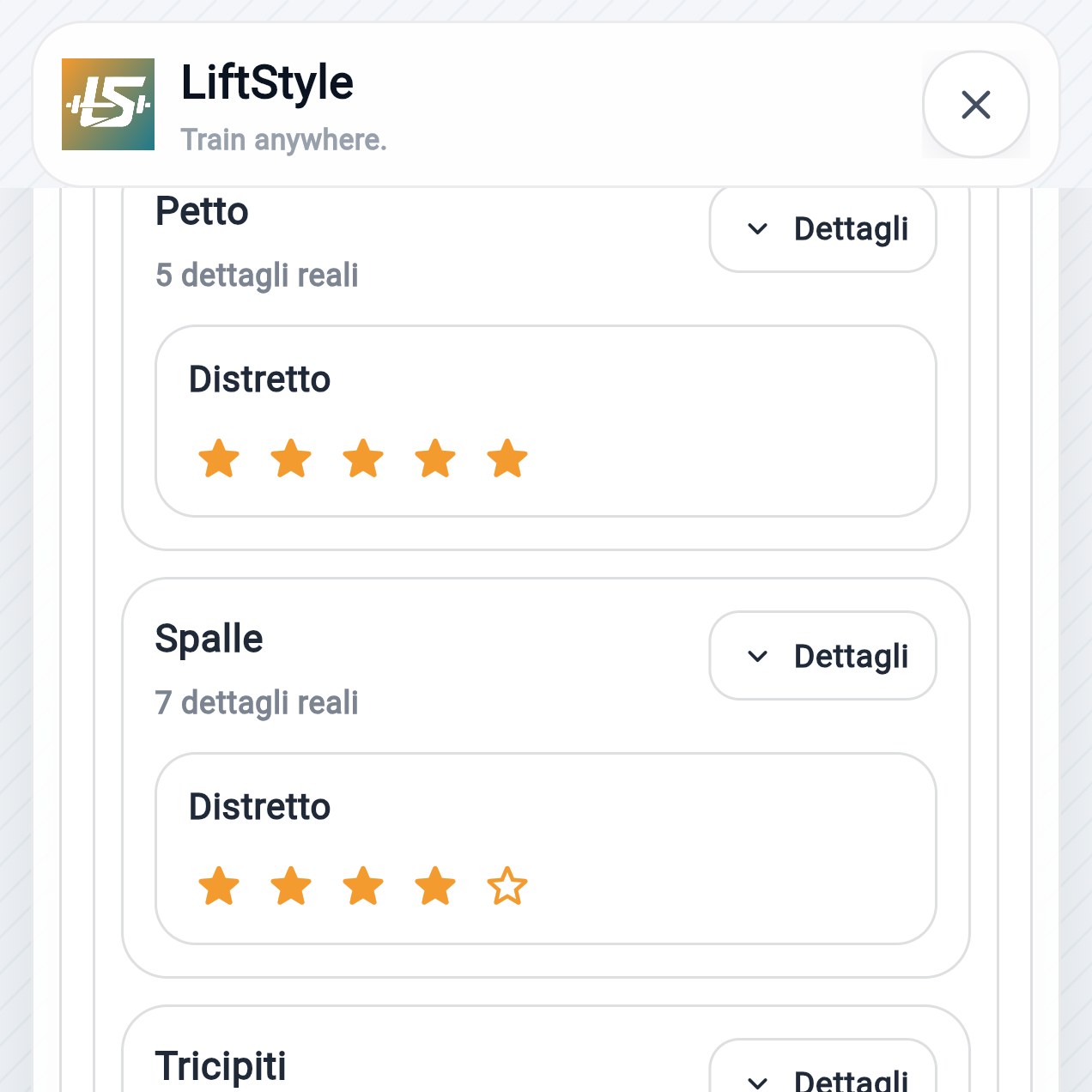
Give more space to the muscles you really want to improve.
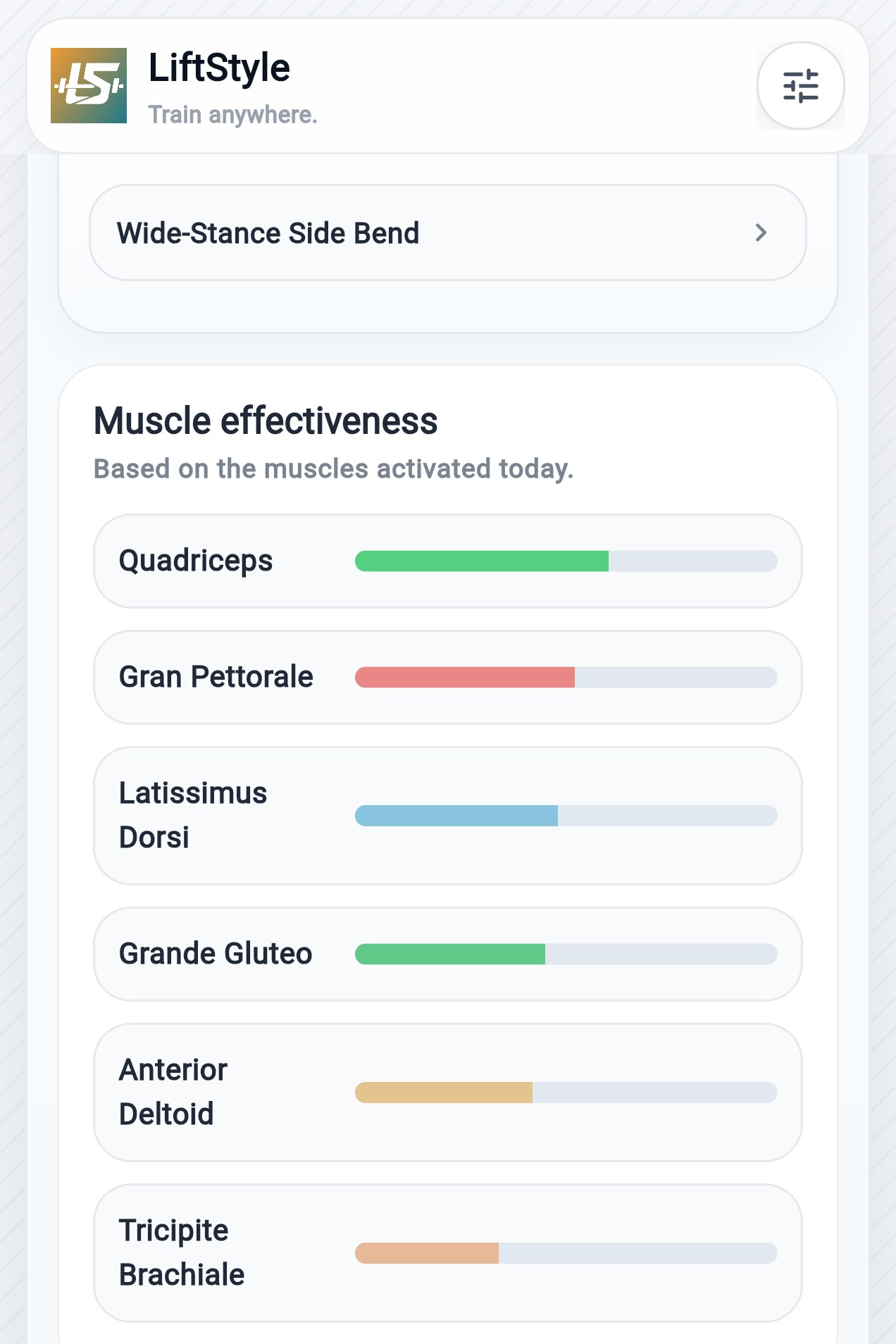
See an estimate of the muscles involved in today's session.
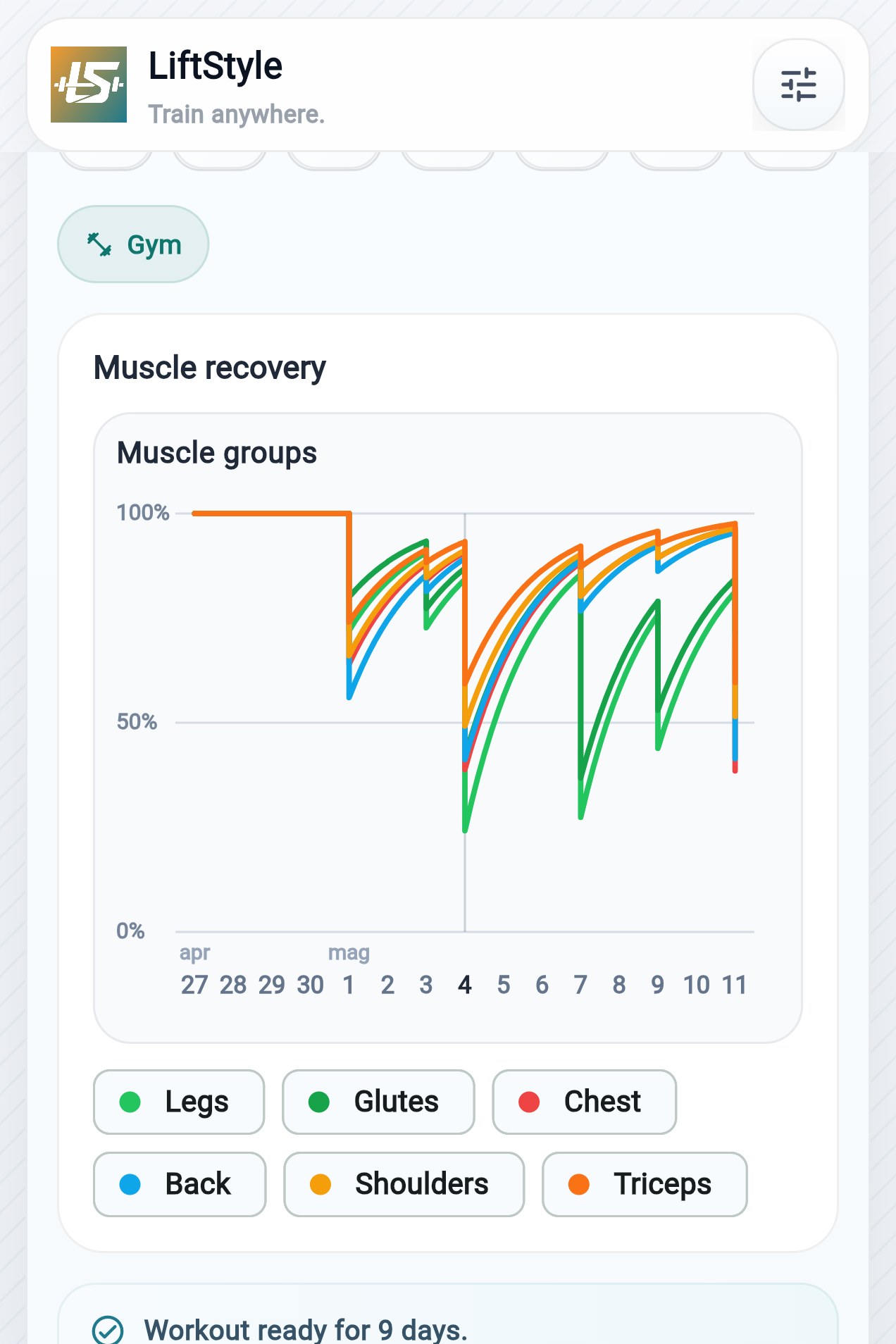
Compare an estimate of muscle recovery to organize the following days.
It adapts the load to the sport you do without losing balance in the workout plan.
On the web, the planner runs in your browser. On Android and iOS, workout-plan calculation uses the online service after a dedicated notice. Calendar, plans, and progress remain saved on your device, with no required account.
Privacy and speed.
Local on the web; online in native apps.
If the week changes, you do not start from zero.
No. Calendar, plans, and progress remain saved on your device; planner calculation depends on the platform.
Yes. You can choose place and equipment for each session.
It starts from your level, available days, and equipment to suggest a full-body plan compatible with the information entered.
It adjusts volume and suggests alternatives compatible with the dumbbells you have.
Yes. You set a maximum and the generator adapts the workout plan.
Yes. You can include or exclude exercises and equipment.
It considers sport days when distributing load and sessions.
Hundreds of exercises and alternatives selected from the available information.
Yes: muscle focus down to sub-groups.
No. Each session can be different.
Yes. You can customize every session.
Yes. It is suggested at the end of the session.
Yes. You choose minimal equipment and the workout plan adapts.
The planner is local on the web. In native apps, online calculation uses only the data described in the Privacy Policy. Cloud and statistics remain separate and off.
No account. No mandatory subscription. You can change everything later.